
Preparing the Wally app for iPhone Duo
The iPhone Duo is almost here, and we have started preparing Wally for its new form factors. This post takes a look at how Wally adapts when the Duo is closed, folded, and fully opened.
A Menu That Adapts
Wally uses a navigation split view to provide quick access to items, settings, and premium features. On iPhone it renders like a navigation stack, while on iPad the menu is in a sidebar, with the selected screen to the right.
The sidebar can be hidden with a toggle, to let your items take up the full screen when you don’t need the menu.
iPhone Duo
Since the iPhone Duo will automatically transition between these modes, the app works great by just building it with Xcode 27.1, which enabled the iPhone Duo support.
When the iPhone Duo is closed, Wally behaves just like on a regular iPhone. The menu is presented as a list, and tapping an item opens the selected screen.
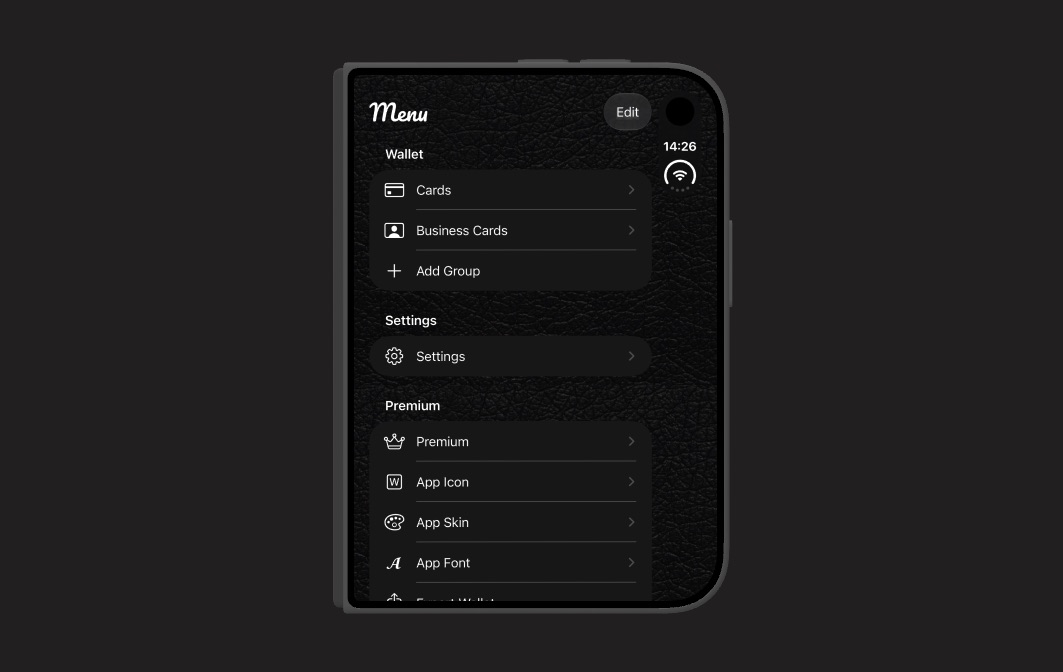
When the Duo is folded, Wally switches over to split view. The menu and the selected group are placed on each side of the screen fold, which keeps interactive elements away from the fold, as Apple recommends.
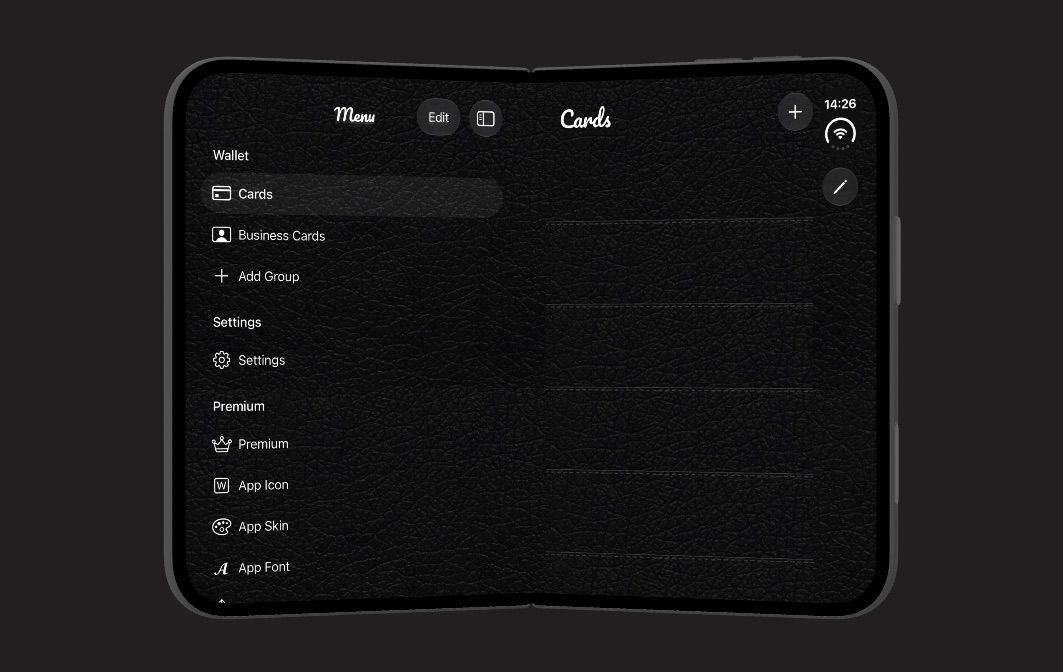
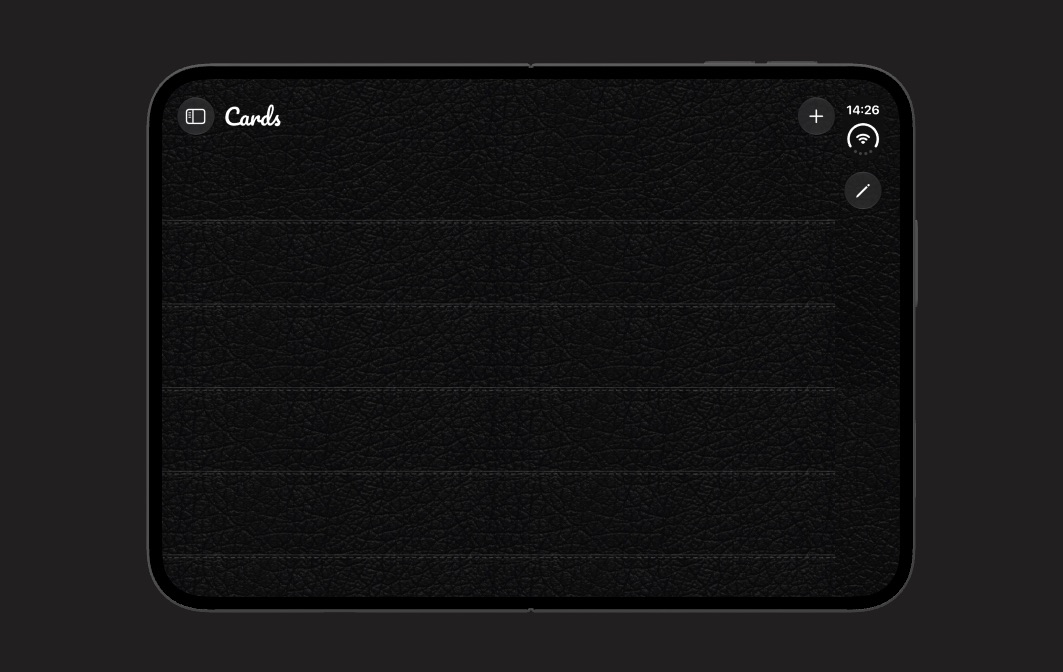
When the Duo is fully open, the sidebar can be collapsed to let your cards use the entire screen. You can bring the menu back at any time with the sidebar toggle in the top-leading corner.
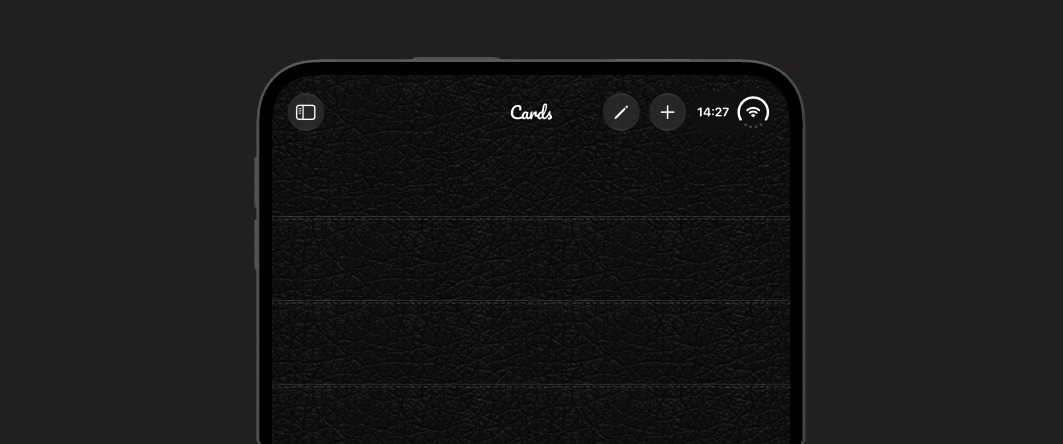
When an open Duo is rotated to portrait, Wally moves its toolbar buttons up next to the status bar, which gives your cards as much vertical space as possible.
As you can see, Wally feels right at home on the Duo, regardless of how it’s folded, instead of just stretching out the iPhone design.
Conclusion
The iPhone Duo requires us to consider how our apps transition between its different form factors. By using a navigation split view, Wally smoothly adapts between the different form factors.
We hope to have these changes ready when the Duo is released. Until then, you can download Wally from the App Store.
Discussions & More
If you found this interesting, please share your thoughts on Bluesky and Mastodon. Make sure to follow to be notified when new content is published.